Single product with configuration
A Single product with configuration lets the customer add extras, remove default ingredients, or change a component (such as bread type). Each type of configuration is modelled as a separate Container:
- Add container — optional multi-select (
min: 0, max: unbounded); extras carry a price - Remove container — optional multi-select with
isNegated: true; removals are free - Change container — mandatory single-select (
min: 1, max: 1) with a default selection
Burger — id: 11, type: product
  Add — id: 12, type: container, min: 0, max: unbounded
    Bacon — id: 15, type: product
    Tomato — id: 16, type: product
    Cheese — id: 17, type: product
    Onion — id: 18, type: product
  Remove — id: 13, type: container, min: 0, max: unbounded, isNegated: true
    Tomato — id: 16, type: product
    Cheese — id: 17, type: product
    Ketchup — id: 3, type: product
    Onion — id: 18, type: product
  Select Bread — id: 14, type: container, min: 1, max: 1
    Rye Bread — id: 19, type: product, isSelectedByDefault: true
    Sesame Bread — id: 20, type: product
    Gluten Free Bread — id: 21, type: product
Example products: Burgers, hot dogs, sandwiches
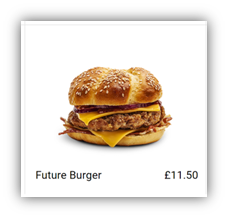
Main Product display when the product is not selected
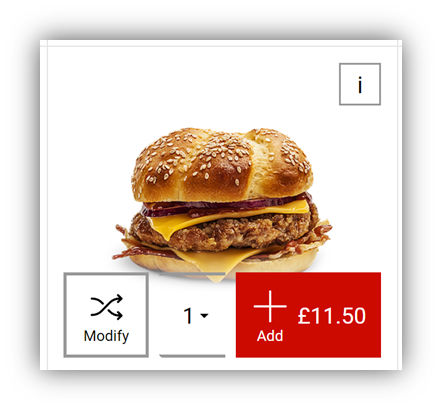
Main Product display when the product has been selected if product supports QuickAdd and all mandatory options have default selections
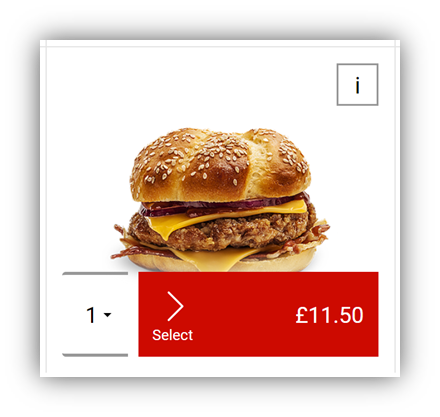
Main Product display when the product has been selected if product does not support QuickAdd or at least one mandatory option does not have a default selection
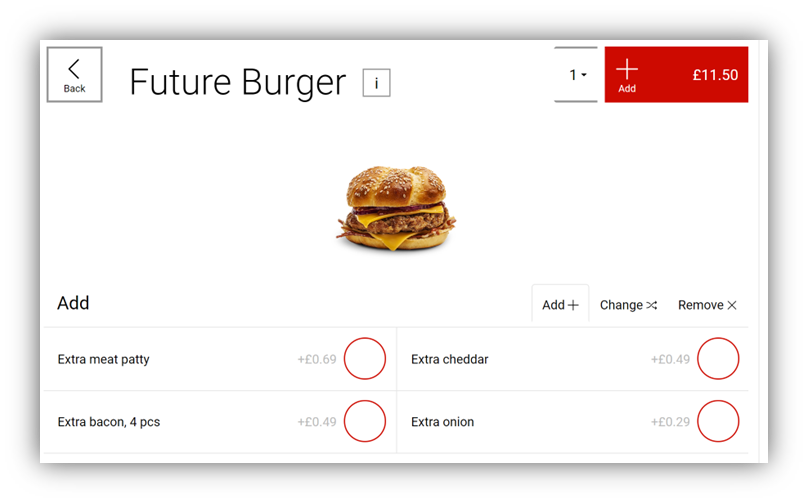
Configurator (modify page), showing Add container
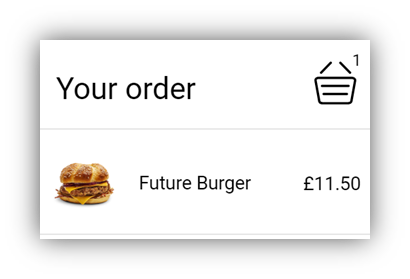
View of the product in the basket, only default options selected
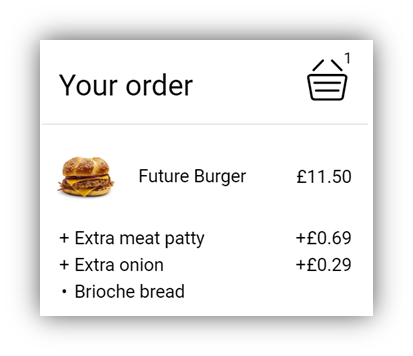
View of the product in the basket, with changes made to product configuration